US Open Tennis 2026 on IPTV: Complete Setup Guide
21 August 2026 · 9 min read
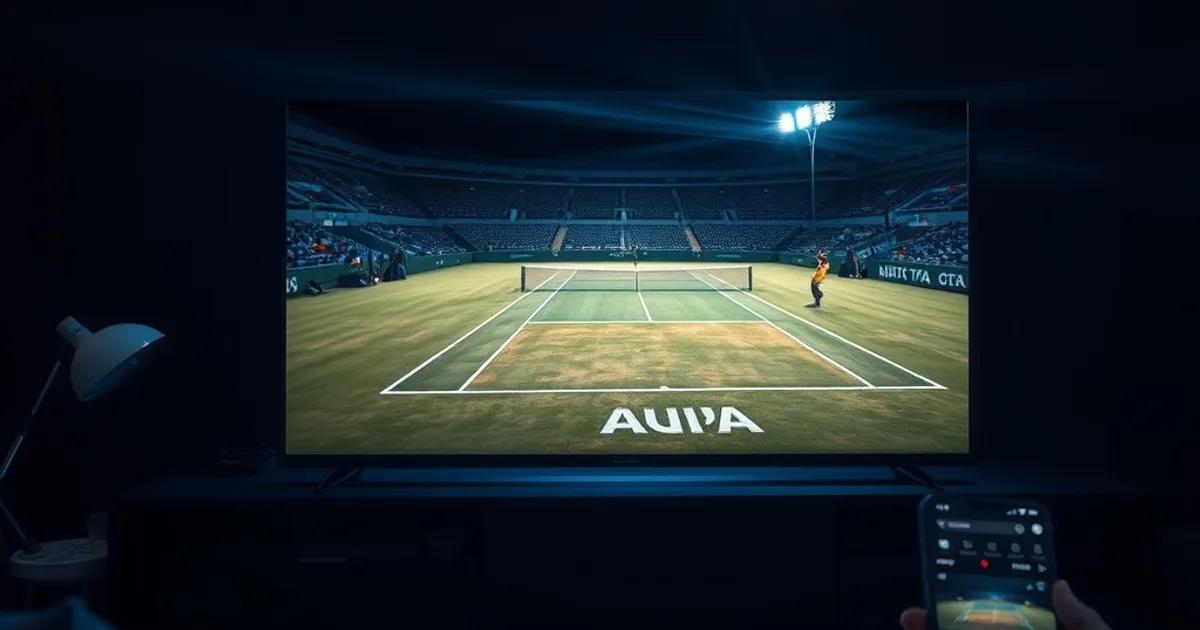
Qualifying at Flushing Meadows starts August 24, the main draw opens August 30, and the men's final closes the tournament on September 13 — a three-week window where two courts can be running simultaneous five-set matches while you're only free to watch one screen. That's the real appeal of IPTV for tennis: it isn't just an alternative to cable, it's a way to jump between Arthur Ashe, Louis Armstrong, and the outer courts without juggling three different apps or accounts.
Search traffic for 'US Open streaming' spikes every year in this exact window, and almost everything that ranks is written by ESPN, Hulu Live, or YouTube TV about their own product. None of them walk through the IPTV-specific decisions — which app actually handles a three-hour rain-delayed match without dropping the EPG, how to tell if a '4K' feed is genuinely 4K or just upscaled 1080p, or what to do when a stream stutters right as a match goes to a deciding tiebreak. That's the gap this guide fills.
Below is a practical, device-by-device setup path, a pre-tournament checklist, and a troubleshooting section built specifically around tennis viewing patterns — long matches, unpredictable finish times, and back-to-back coverage across multiple courts.
Why US Open on IPTV: 4K Quality, Multi-Match Viewing, International Access
The US Open is unusual among majors because play routinely runs on three or four courts at once for the first week, and night sessions on Ashe stretch well past midnight on the East Coast. A single cable subscription or one streaming app typically locks you into whatever the broadcaster decided was the featured match. A good IPTV setup gives you access to the full spread of simultaneous feeds, so you can follow a five-set epic on one court and check the score ticker on another without switching services.
4K matters more for tennis than for most sports because the ball is small and fast — at 1080p, especially on a large TV, you lose definition on baseline rallies and serve toss detail that a properly encoded 4K feed preserves. We cover how to verify a feed is genuinely native 4K, not just labeled that way, further down.
International access is the other practical draw: US Open coverage rights are split by region, and commentary language, ad load, and available camera angles vary by broadcaster. IPTV lets you pick the feed that fits your language and viewing preference rather than being stuck with whatever your local rights-holder provides.
None of this replaces doing your homework on legality and reliability where you live — see the comparison section near the end before you commit.
Not sure which app or device setup fits your US Open viewing plans?
Choosing Your IPTV App: TiviMate vs IPTV Smarters vs GSE Smart IPTV (Tennis-Optimized)
For a tournament with long matches and a dense schedule, the app matters more than usual. TiviMate is the strongest choice on Android-based boxes and Fire TV: its EPG is fast to navigate, it supports multi-screen and picture-in-picture on some builds, and it handles channel switching mid-stream cleanly — useful when a match on one court ends and you want to jump to another without a hard app restart.
IPTV Smarters is the safer pick if you want one app that behaves consistently across Android, iOS, and Windows, since your family might be watching on different devices during the day. It's slightly less configurable than TiviMate but easier to set up correctly on the first try, which matters when qualifying starts and you don't want to be debugging buffer settings mid-match.
GSE Smart IPTV is the best fit specifically for iPhone and iPad viewing — we've written a full setup walkthrough for it (see the internal link below) — because it handles background audio and lock-screen controls better than most alternatives on iOS, which is useful if you're listening to a match while doing something else and want to glance at the score.
Whichever app you choose, confirm it supports EPG (electronic program guide) refresh on a schedule, not just on manual pull — the US Open's order of play changes daily and sometimes mid-day due to weather, and a stale guide means missed matches.
Device Setup by Hardware: Fire Stick 4K Max, Android TV, Smart TV (LG/Samsung), iPhone/iPad
Fire Stick 4K Max: sideload your chosen app via Downloader (the Fire TV app store won't list most IPTV apps), then go into Fire TV settings and disable 'Collect App Usage Data' and background app refresh for anything not in use — the Fire Stick's shared memory struggles if multiple apps are idling while you're running a 4K stream for hours during a night session.
Android TV (Chromecast with Google TV, Nvidia Shield, or a smart TV's built-in Android TV OS): install directly from the Play Store where available, or sideload via a file manager app. The Shield in particular handles sustained 4K H.265 decoding better than most budget Android TV boxes, which is worth knowing if you're buying hardware specifically for this tournament.
LG (webOS) and Samsung (Tizen) smart TVs: these have the most limited native app support, so most people run IPTV through a connected Fire Stick, Android TV box, or Apple TV rather than an app installed directly on the TV. If your smart TV does support sideloading, test it a day or two before qualifying starts — webOS and Tizen IPTV apps are less actively maintained than their Android counterparts.
iPhone/iPad: GSE Smart IPTV or IPTV Smarters both work well; connect over Wi-Fi rather than cellular for anything beyond 1080p, and use AirPlay to a 4K-capable TV or Apple TV if you want the big-screen night session experience. Our dedicated GSE Smart IPTV iPhone guide (linked below) covers playlist import and troubleshooting specific to iOS.
Pre-Tournament Checklist: Bandwidth Test, Buffer Tuning for Long Matches, EPG Verification
Run a wired or 5GHz Wi-Fi speed test at the time of day you'll actually be watching — US Open night sessions run late, when household bandwidth demand from other devices is often highest. You want sustained throughput, not a burst test; a five-set match can run over four hours, and a connection that holds up for ten minutes but degrades under sustained load will buffer right when the match gets tight.
Buffer tuning matters more for tennis than for shorter-format sports because matches have no fixed clock — a rain delay or a marathon final set means your stream needs to hold a stable connection for far longer than a typical two-hour broadcast. In TiviMate and most other apps, increase the buffer size setting from default (often 2-5 seconds) to 10-15 seconds if you're on a connection under 50 Mbps; this adds a small delay but meaningfully reduces freezing during long rallies.
Verify your EPG is pulling the correct schedule two or three days before qualifying begins, not the morning of. The US Open's order of play is published the evening before each day's play, and a good IPTV EPG source should update within a few hours — if yours is lagging by more than a day, consider switching sources before the tournament starts, not during it.
For a deeper general walkthrough of connection requirements and app setup that applies well beyond tennis, our Premier League IPTV setup guide (linked below) covers the same fundamentals in more depth.
4K IPTV for US Open: H.265 Codec, Real 4K vs Upscaled (How to Verify), Bitrate Requirements
Most genuine 4K IPTV streams use H.265 (HEVC) encoding rather than the older H.264, because H.265 delivers comparable quality at roughly half the bitrate — critical for sustained 4K over a home internet connection. If your app or provider only offers H.264 for a '4K' channel, be skeptical: it's more likely an upscaled 1080p source than a native 4K broadcast feed.
To verify a stream is genuinely 4K rather than upscaled, check the actual resolution reported by your player (most apps show this in a stats or info overlay — usually accessible by pressing an info button during playback) and look for 3840x2160. Then judge sharpness on fine detail: court lines, sponsor logos on the umpire's chair, and net cord texture should look crisp, not softly blurred, which is the telltale sign of upscaling.
Bitrate is the other giveaway. Native 4K sports content generally needs at least 25-35 Mbps to look genuinely sharp during fast motion like a serve or a baseline rally; if a '4K' stream is running at 15 Mbps or lower, you're very likely watching an upscaled source, and no amount of buffer tuning will fix the underlying softness.
If you're unsure your connection or hardware can sustain true 4K reliably for four-hour matches, 1080p with a stable, non-buffering connection is a better experience than 4K that stutters — especially during a deciding set.
Live Match Day: Troubleshooting Freezing on Long Baseline Rallies, Stream Switching, Chat Support
Freezing during long rallies is usually a buffer or bandwidth issue rather than an app problem, because sustained fast motion (a baseline rally) demands more consistent throughput than a slower scene. If you notice freezing specifically during rallies but not during changeovers or replays, that's a strong sign your buffer setting is too low for your connection — increase it a few seconds and test again rather than assuming the stream itself is broken.
Stream switching — moving between simultaneous matches on different courts — is where app choice shows up most. TiviMate and IPTV Smarters both let you favorite a handful of channels for one-tap switching; set this up before play starts each day rather than scrolling a full channel list mid-match when a court changeover happens fast.
If a stream drops entirely, don't immediately assume it's dead — try switching to a backup channel or source if your provider offers one (many IPTV playlists include duplicate streams for high-demand events), then reconnect to the original after a few minutes. Full server-side outages during marquee matches are rare but do happen during peak simultaneous viewership like a Saturday night session.
For a general troubleshooting reference beyond match day — covering router settings, VPN interference, and app-level fixes — our dedicated IPTV buffering guide (linked below) goes deeper into root causes than we can cover here.
Alternative: Legal Streaming (ESPN+, YouTube TV, Hulu Live) Comparison (Trust & Reliability)
ESPN+ carries the bulk of early-round US Open coverage in the US, with ESPN's linear channels handling marquee sessions; it's a rights-holder-direct option, meaning reliability and video quality are generally consistent since the platform controls its own infrastructure end to end. YouTube TV and Hulu Live both bundle ESPN's channels as part of a broader live-TV package, which is a reasonable option if you already want a full cable replacement and tennis is one of several things you're watching.
The honest tradeoff: rights-holder platforms are the most predictable option for guaranteed uptime during marquee matches, since they're built and scaled specifically around live sports demand. IPTV can match or beat them on flexibility — more simultaneous feeds, more international commentary options, no need for a separate subscription per sport — but reliability depends entirely on your specific provider and your own connection setup, which is exactly why the checklist and troubleshooting sections above matter.
If you're weighing the two paths from a pure cost perspective rather than just features, our IPTV vs. cable cost comparison (linked below) breaks down where the savings actually come from and where they don't.
Get set up before qualifying starts and catch every court from day one.
Post-Tournament: Recording Matches & Highlights, VOD Organization for Replays
If your IPTV app supports catch-up or cloud DVR (TiviMate does with a compatible provider; check before assuming), set recordings for any match you know you'll miss due to time zone differences — US Open night sessions run into the early morning for European and Asian viewers, and a same-day replay beats waiting for a highlights package.
Organize VOD replays by round rather than by date if your app allows custom folders — 'Quarterfinals' and 'Semifinals' folders are easier to navigate a week later than a flat list of dates, especially once the tournament has produced dozens of recorded matches across two weeks.
Once the final wraps on September 13, it's worth reviewing what worked in your setup — buffer settings, app choice, device performance — while it's fresh, so you're not starting from scratch for the next major or for the 2026 football season. Our World Cup 2026 IPTV setup guide (linked below) covers the same groundwork for the next big multi-week event on the calendar.
Frequently asked questions
What are the exact US Open 2026 dates?
Qualifying runs August 24-28, the main draw begins August 30, the women's singles final is September 12, and the men's singles final closes the tournament on September 13.
Do I need a VPN to watch the US Open on IPTV?
It depends on your provider and location. Some IPTV services work fine without one; others recommend a VPN for connection stability or to access specific regional feeds. Check your provider's guidance rather than assuming either way.
Why does my '4K' US Open stream look soft or blurry?
It's likely an upscaled 1080p feed rather than native 4K. Check the resolution shown in your player's info overlay and look at bitrate — genuine 4K sports content typically needs 25-35 Mbps to look sharp during fast motion.
Which IPTV app is best for watching multiple US Open courts at once?
TiviMate is the strongest option on Android TV and Fire Stick for fast channel switching and a responsive EPG, which matters when following simultaneous matches across courts.
My stream keeps freezing during long rallies but is fine otherwise — why?
This usually points to a buffer setting that's too low for sustained fast-motion content, not a broken stream. Increase your app's buffer to 10-15 seconds and retest, especially on connections under 50 Mbps.
Can I watch US Open replays after the match ends?
If your IPTV provider offers catch-up or VOD, yes — check whether your specific app and playlist support it, since this varies by provider rather than being universal to IPTV.
Read next: the IPTV code prices or the redeem-your-code tutorial.